How to Fix a Computer That Won’t Turn On: A Step-by-Step Guide
Introduction: Understanding the Problem
Facing a computer that refuses to turn on can be frustrating and disruptive, whether for work, gaming, or daily tasks. At PC Warehouse, we understand how vital your computer is and offer expert advice to help you troubleshoot and resolve power issues efficiently.
Common Reasons Why a Computer Won’t Turn On
Several factors can cause your computer not to power up, including power supply failures, loose cables, hardware malfunctions, or internal component issues. Identifying the root cause is essential for effective repair.
Step 1: Check the Power Source and Connections
Start with the basics: ensure your power outlet is working by testing with another device. Verify that the power cable is securely connected to both the computer and the power source. For laptops, check the battery and charger status.
Step 2: Inspect Hardware Components
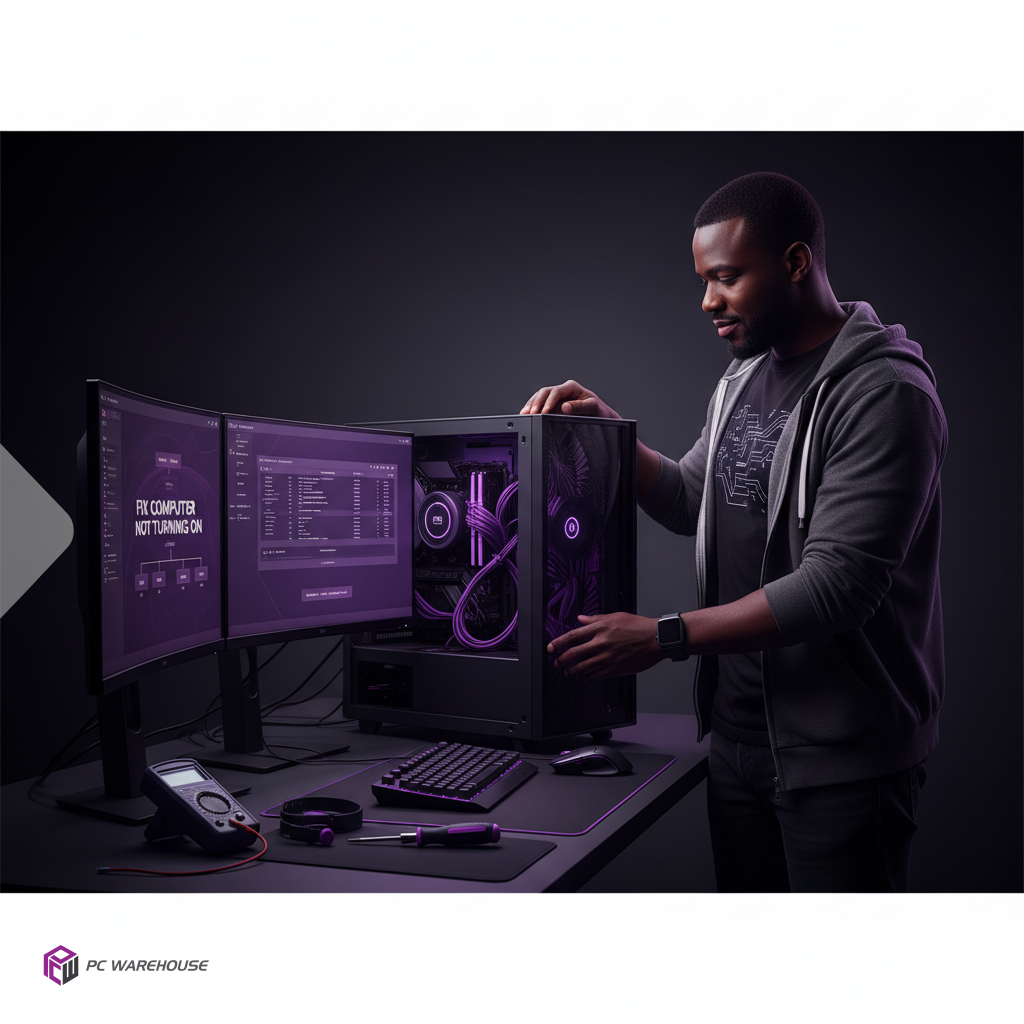
Open your desktop case or examine your laptop for any obvious signs of damage or loose parts. Confirm that RAM modules, graphics cards, and other peripherals are firmly seated.
Step 3: Test the Power Supply Unit (PSU)
The PSU is a common culprit for power issues. If you have a desktop, try using a known working PSU or test your current one with a PSU tester to confirm functionality.
Step 4: Reset and Reseat Internal Components
Sometimes, resetting the BIOS by removing the CMOS battery or reseating components like RAM and GPU can resolve startup problems.
Step 5: Look for Signs of Damage or Faulty Parts
Check for burnt smells, swollen capacitors, or damaged cables inside your PC. Such signs indicate hardware failure that may require replacement.
When to Seek Professional IT Support
If troubleshooting steps don’t resolve the issue, it’s wise to contact professional IT support. PC Warehouse offers reliable device repair services and remote assistance tailored for South African customers.
Preventive Tips to Avoid Future Power Issues
- Use surge protectors to safeguard against electrical spikes.
- Keep your computer clean and dust-free to prevent overheating.
- Regularly update hardware drivers and firmware.
- Schedule periodic professional maintenance checks.
Conclusion: Reliable Solutions from PC Warehouse
At PC Warehouse, we combine expert knowledge with quality hardware solutions to keep your computer running smoothly. Whether you need remote IT support or device repairs, our team is ready to assist you in South Africa.


About author