How to Fix a PC That Won’t Turn On: A Step-by-Step Guide
Introduction: Understanding the Issue
When your PC refuses to turn on, it can be frustrating and disruptive, especially if you rely on it for work, gaming, or daily tasks. At PC Warehouse, we understand how critical it is to get your device up and running quickly. This guide provides clear, professional troubleshooting steps to help you fix a PC that won’t turn on, tailored for South African users.
Common Causes Why a PC Won’t Turn On
Several issues can prevent a PC from powering up, including power supply failures, faulty hardware components, loose connections, or motherboard problems. Identifying the root cause is essential for effective repair.
Step 1: Check the Power Supply and Connections
Start by ensuring your PC is properly connected to a power source. Verify that the power cable is securely plugged into both the PC and the wall outlet or power strip. Test the outlet with another device to confirm it’s working. For desktops, check the power supply unit (PSU) switch at the back is turned on.
Step 2: Inspect the Hardware Components
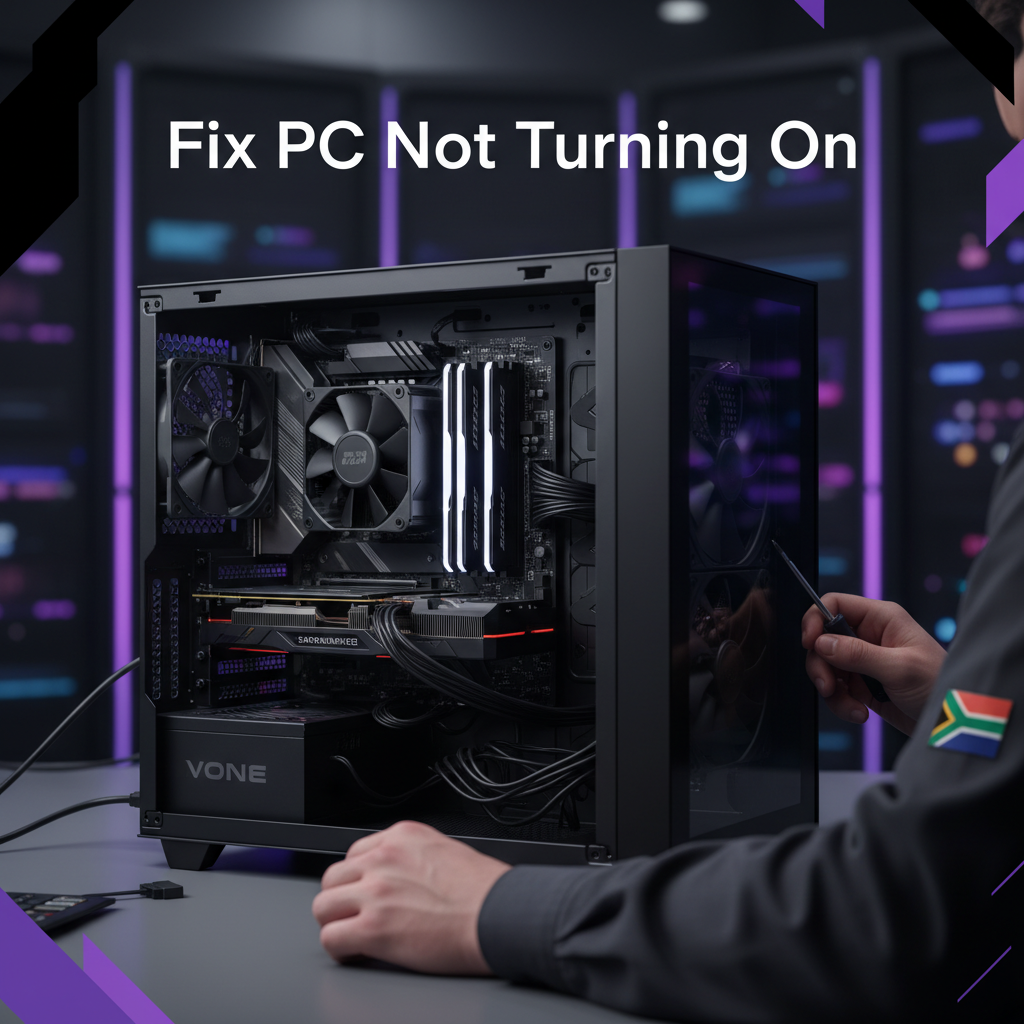
Open your PC case carefully and inspect for any obvious signs of damage such as burnt smells, loose cables, or dust buildup. Ensure that the RAM and graphics card are firmly seated in their slots. Disconnect and reconnect components if necessary.
Step 3: Test the Power Button and Motherboard
The power button or its connection to the motherboard might be faulty. Try shorting the power switch pins on the motherboard with a screwdriver to see if the PC powers on. If it does, the button or its wiring may need replacement.
Step 4: Diagnose with Minimal Hardware Setup
Remove all non-essential hardware like extra RAM sticks, additional drives, and peripheral devices. Attempt to power on the PC with only the CPU, one RAM stick, and the power supply connected. This helps isolate faulty components.
Step 5: When to Seek Professional IT Support
If your PC still won’t turn on after these steps, it’s time to contact professional IT support. PC Warehouse offers expert device repair services across South Africa, ensuring your PC is diagnosed and fixed efficiently.
Preventive Tips to Avoid Future Power Issues
- Use surge protectors to guard against electrical spikes.
- Keep your PC clean and dust-free.
- Regularly check and maintain hardware connections.
- Invest in quality power supplies and components.
Conclusion: Reliable PC Support from PC Warehouse
Fixing a PC that won’t turn on can be straightforward with the right approach. However, professional assistance ensures safety and accuracy. PC Warehouse is your trusted South African partner for IT support, device repairs, and quality hardware solutions. Contact us today for expert help.


About author